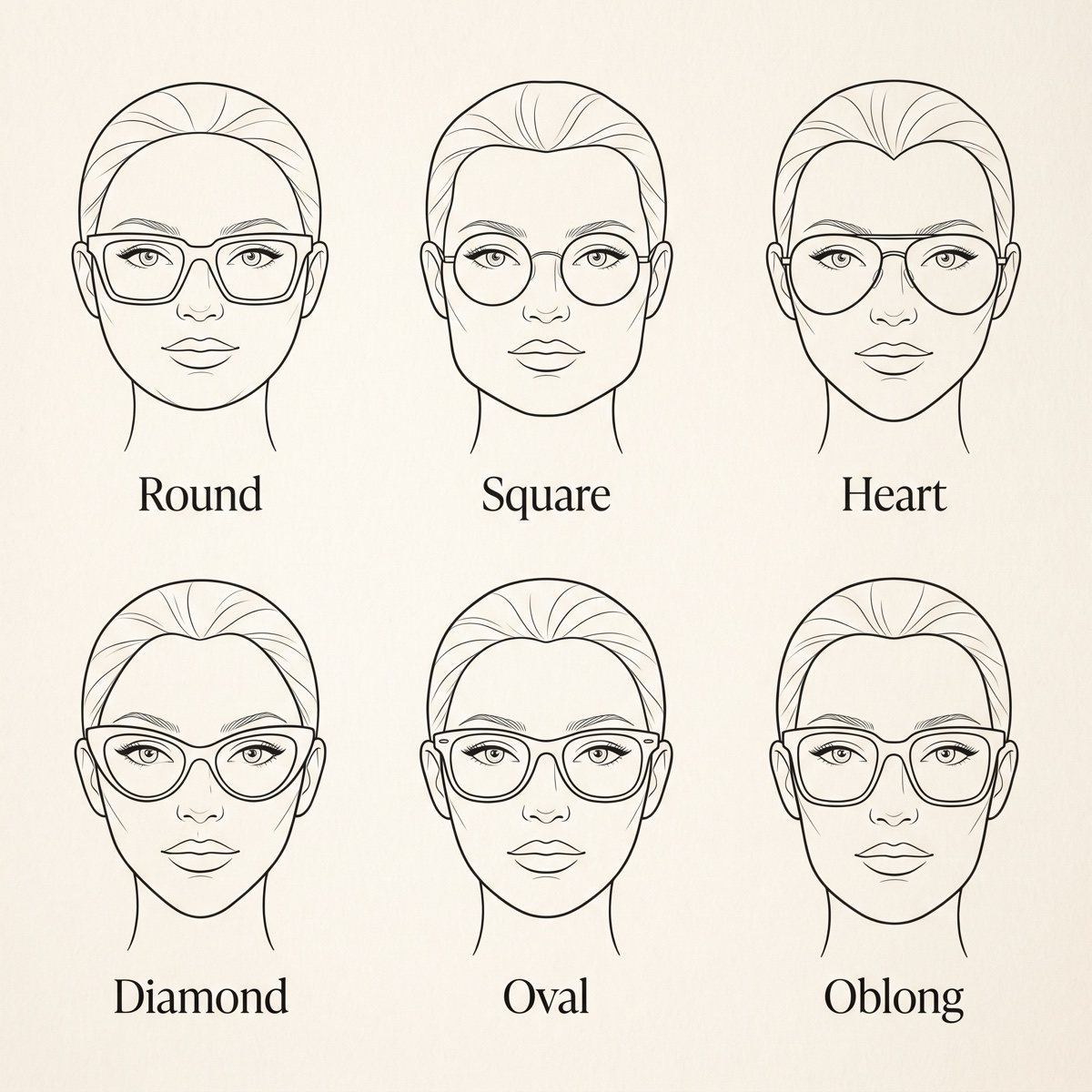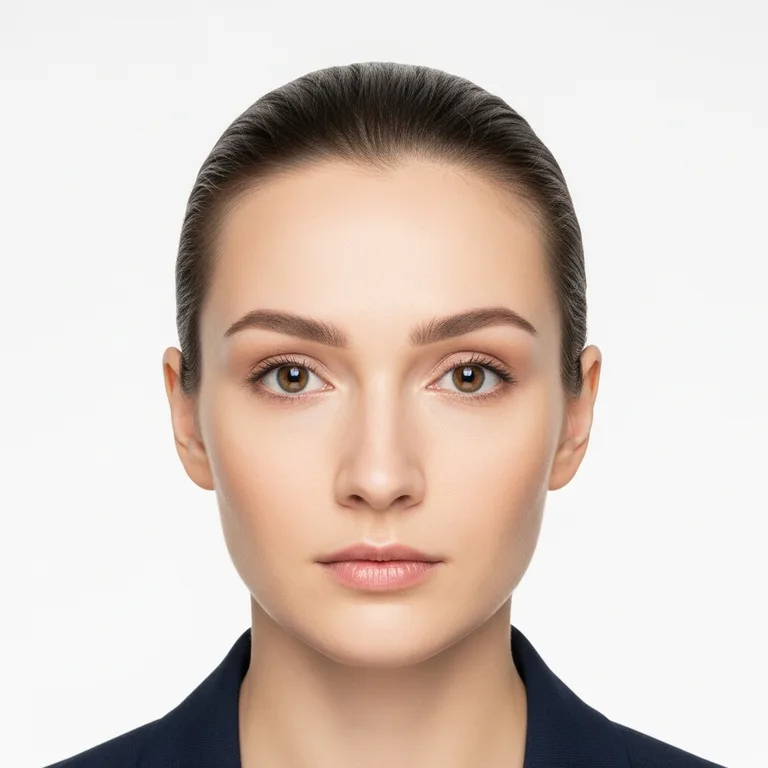
Find your face shape from a selfie
Use a straight-on photo with your hair off your face.
Read in your browser. Never uploaded or saved.
Add a straight-on selfie and the detector names the closest of seven face shapes: oval, round, square, heart, oblong, diamond or triangle. When your face sits between two shapes, it tells you that too.
Your photo is read right here in your browser and never uploaded. No photo handy? Answer four quick questions instead.
The seven face shapes
A face shape is a styling shorthand for where your face is widest, and how long it is. No shape is better than another.
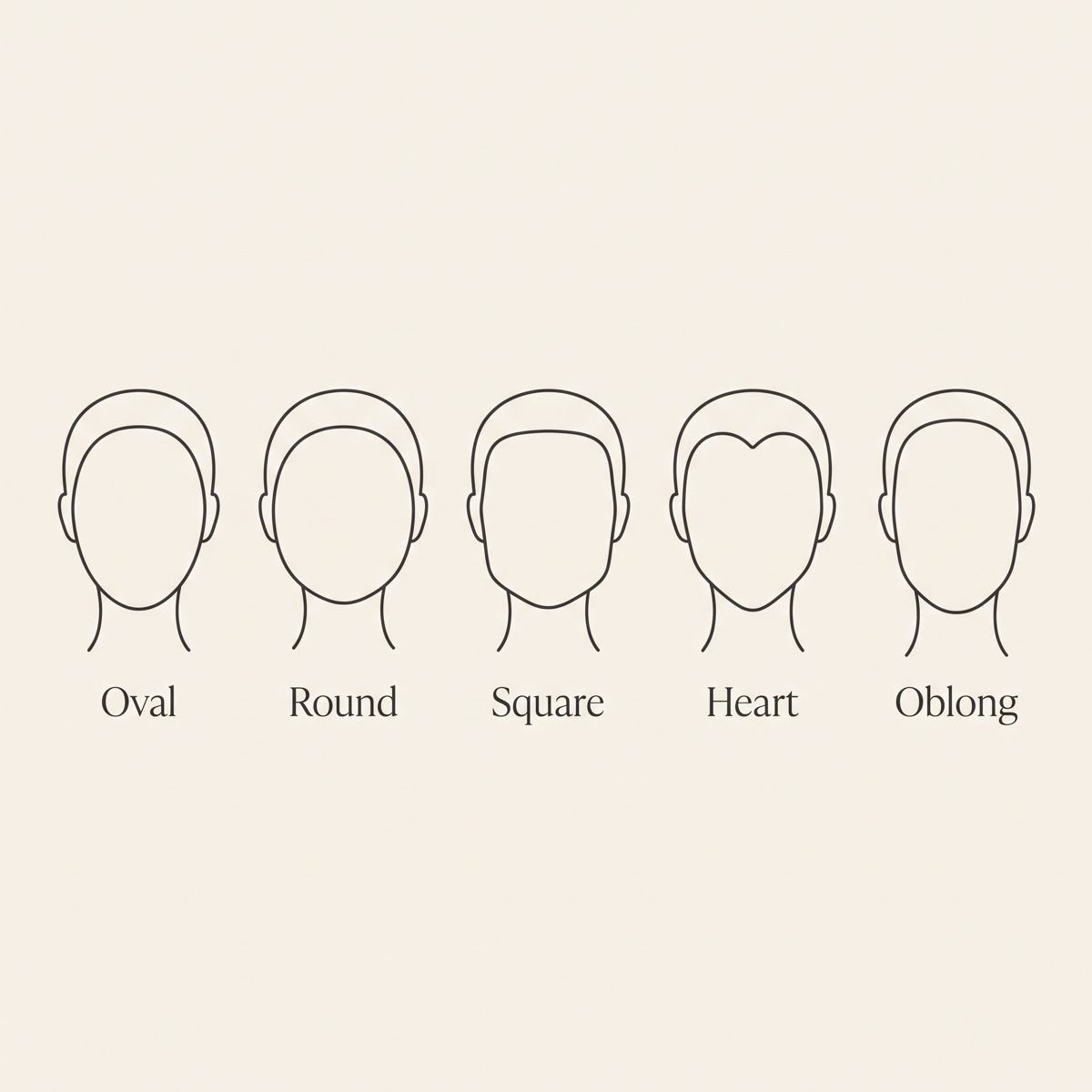
Most faces sit between two. That’s why the detector names a second shape when it’s close.
How to measure your face shape by hand
No photo? A soft tape measure and a mirror will do. Pull your hair back first.
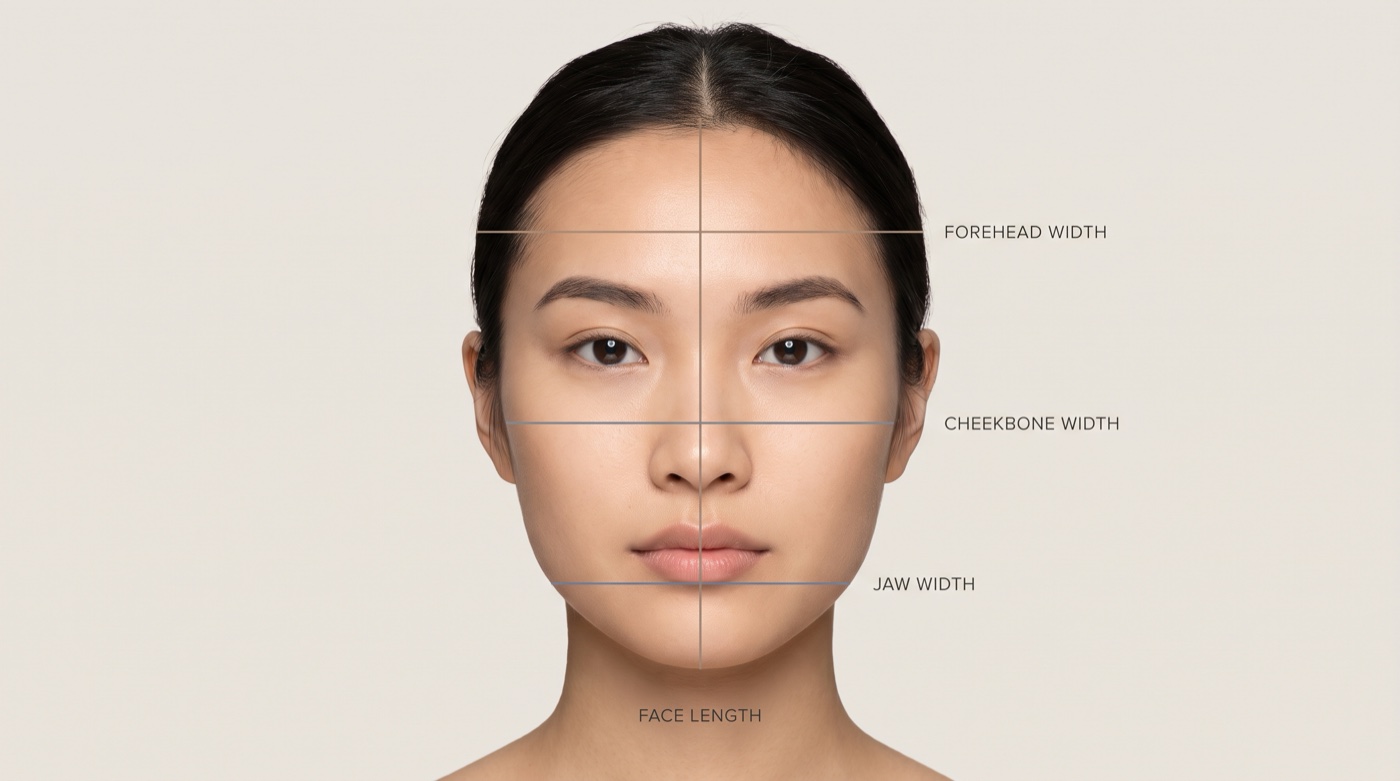
- Forehead: temple to temple, at its widest.
- Cheekbones: across, just below the outer corners of your eyes.
- Jaw: across the widest part.
- Length: hairline to the tip of your chin.
| What you measured | Closest shape |
|---|---|
| All four close, soft jaw | Round |
| All four close, angular jaw | Square |
| Longer than wide, forehead a little wider than jaw | Oval |
| Forehead and cheekbones widest, narrow chin | Heart |
| Cheekbones widest | Diamond |
| Jaw widest | Triangle |
| Widths similar, clearly long | Oblong |
How much to trust the result
The detector finds 478 points on your face with Google’s open-source MediaPipe, compares the widths with the length, and names the closest shape, all in your browser.
There’s no official list of face shapes: guides use five to eight. Treat the result as a styling label, not a measurement of you.
Three things throw any detector off:
- Hair over your forehead or jaw
- A tilted head: straight on, chin level
- Hard side light, which draws a jawline that isn’t there
What your face shape is for
- Haircuts: where a cut adds height or width. See the hairstyle finder.
- Glasses: frames that contrast with your shape, at the right size. See the glasses finder.
- Beards: length at the chin reads longer, fuller sides read wider.
It’s a starting point, not a rule. Wear what you love.