coloris
So funktioniert esFarbtypenBlogKostenlose ToolsWerte

From your photo

Find Your Skin Undertone From a Photo

  • Kostenlos
  • Ohne Anmeldung
  • Etwa eine Minute

Dein Unterton

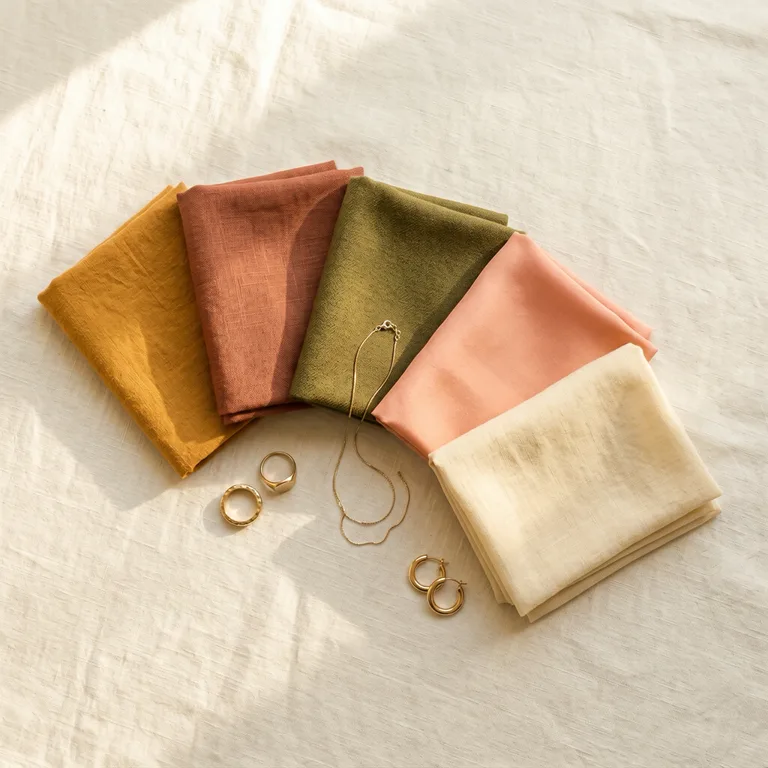
Warm

How the photo read works

  1. 1

    Upload one selfie

    Natural daylight, face straight on, no filters. Coloris checks the photo first and flags anything that would limit the read.

  2. 2

    The AI looks at your coloring

    Google’s Gemini AI looks at your skin’s cast — golden, rosy, olive, or balanced — plus hair depth, eye clarity, and the contrast between them.

  3. 3

    Get a labeled readout

    Your report states your undertone — Warm, Cool, Neutral, or Olive — with the cue that decided it, and builds your color season on top.

A color analyst looks at the same things in person: undertone, contrast and depth. The AI gives you a label and the reason for it, not a measurement, so light and camera can shift it. More on how Coloris works.


Warmes PetrolOlivSenfgelbWaldgrünTerrakotta

Deine Farben, an deinem eigenen Oberteil

Live in deiner Kamera. Kostenlos, ohne Konto.

Oder finde deinen Farbtyp mit einem Foto

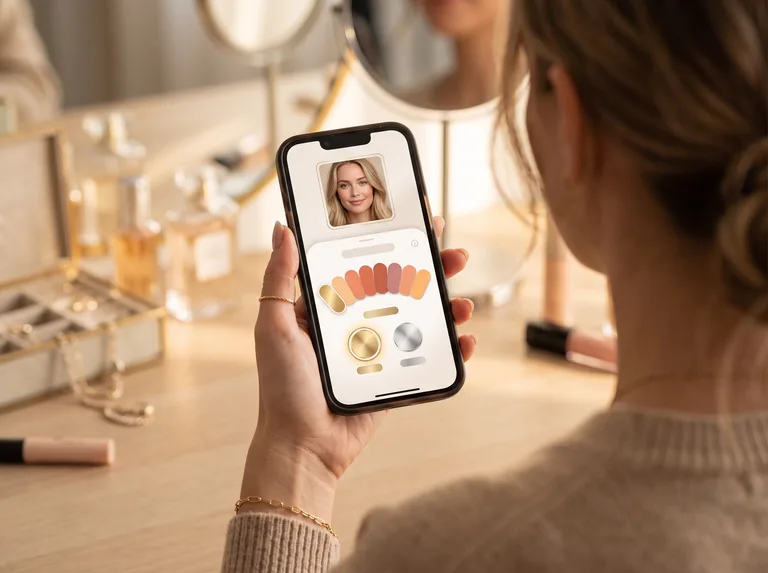
Vein checks and jewelry tests ask you to judge your own undertone in a mirror, and many people can’t tell. A photo lets AI look at your skin instead: the subtle cast of your skin, the depth of your hair, and the clarity of your eyes all show up in a good daylight selfie.

Coloris sends your selfie to Google’s Gemini AI, which labels your undertone (Warm, Cool, Neutral, or Olive) with a one-line reason, right in your color report, with your color season and palette built on top. It’s a reading, not a measurement, so lighting and makeup can shift it. Your first analysis is free, no card required.
Häufige Fragen

Undertone shows up in your skin as a subtle golden, rosy, olive, or balanced cast beneath the surface. Google’s Gemini AI looks at your selfie and reads that cast alongside your hair depth and eye clarity, cues a color analyst also looks at in person, then returns a label with a one-line reason. It isn’t a measurement, so a daylight, front-facing, makeup-free photo gives the best read. You can see what the analysis looks at on our How It Works page.
The quiz builds an estimate from what you observe about yourself. The photo analysis has the AI look at your skin, hair and eyes directly, and it also considers contrast and depth, which a quiz can’t see. Lighting can throw a photo off, and self-observation can throw a quiz off, so if the two disagree, retake the photo in daylight. Use the quiz when you don’t have a suitable photo — it links straight into the full analysis when you’re ready.
Natural daylight facing a window, camera at eye level, hair pulled back, and no filters or heavy makeup. Warm indoor bulbs and beauty filters are the two things most likely to shift how your undertone reads. Coloris checks your photo first and tells you if something will limit the analysis.
Your first analysis is free with no card required. Your photo is sent to Google’s AI to create the reading, then stored encrypted in your account. It is never sold, never used for ads, and never used to train AI models, and you can delete it at any time.

Weiter entdecken

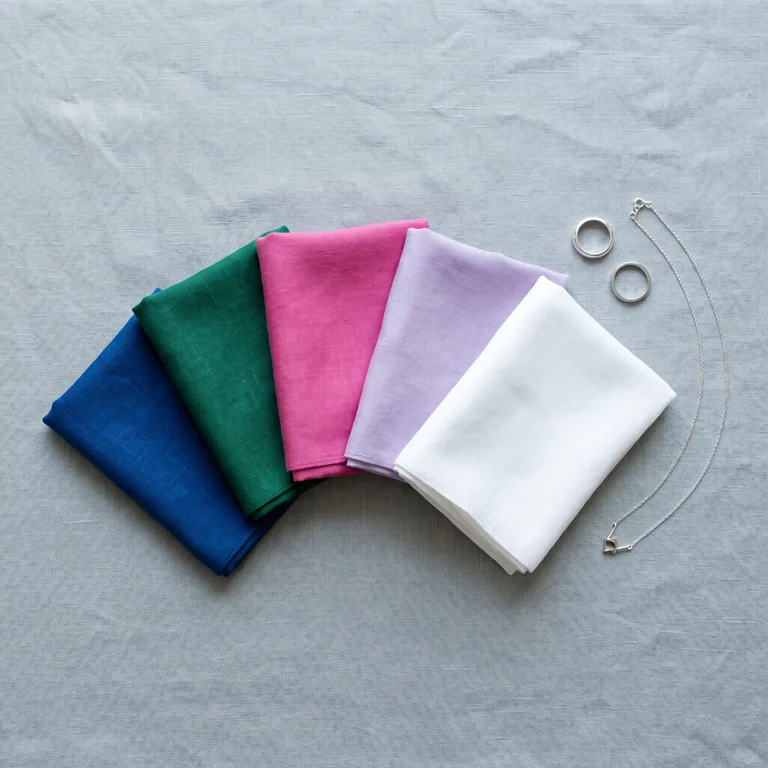
Kühl
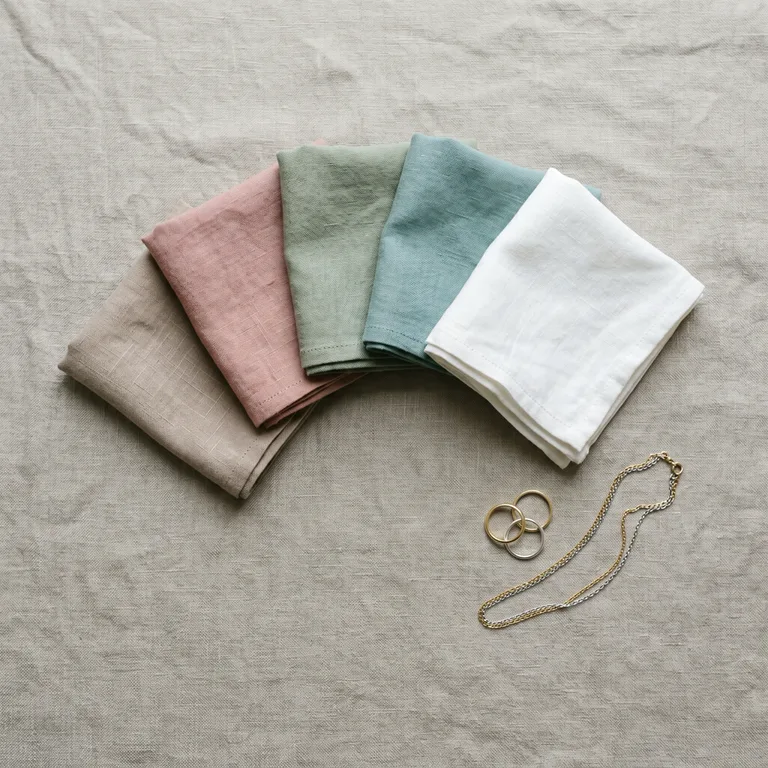
Neutral
Warm

No photo handy? Take the undertone quiz

Kostenlos testen
Passt zusammen

Outfit color guide

Kostenlos testen

The 12 color seasons

Schluss mit dem Zweifeln
beim Anziehen.

Deine erste Analyse ist kostenlos: dein Farbtyp und deine ersten drei Farben, dazu drei Anproben. Deine Farben sind auf deinem Handy, auf Android und im Web. Das iPhone kommt bald.

Jetzt bei Google Play
coloris
Jetzt bei Google Play
BlogKostenlose ToolsFarbtypenSo funktioniert esDatenschutzAGBÜber uns
© 2026 Coloris · KI-gestützte Beauty-Intelligenz
Google Play und das Google Play-Logo sind Marken von Google LLC.